SCADA Management
Overview
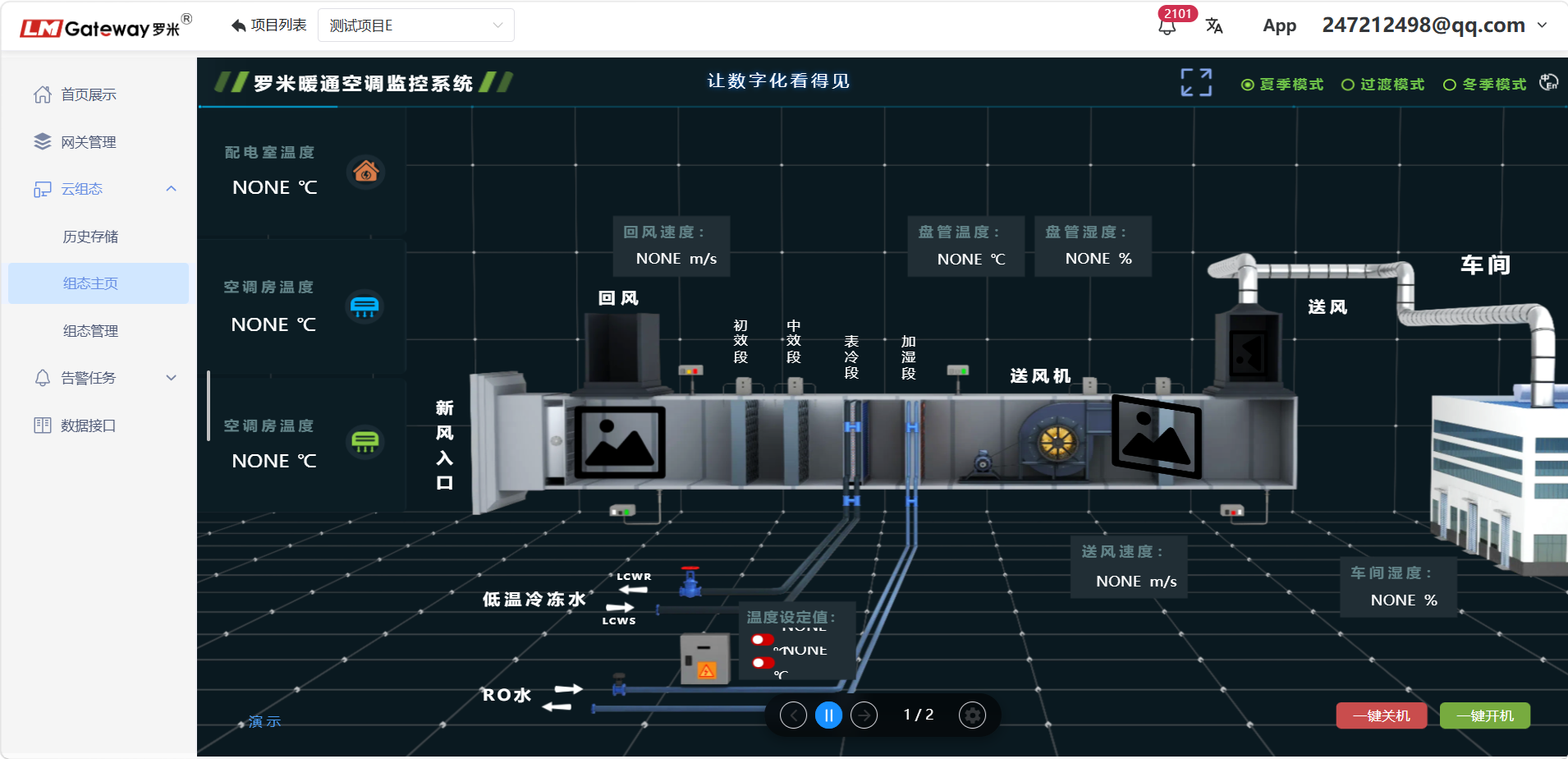
The new SCADA page includes a completely updated component library and is available free of charge. Users can build polished IoT visualization screens easily by dragging and dropping components. These screens can intuitively display device data and operating status and can be used for applications ranging from monitoring electricity and water meters to remotely controlling equipment switches.
Quick Start
SCADA Home Page
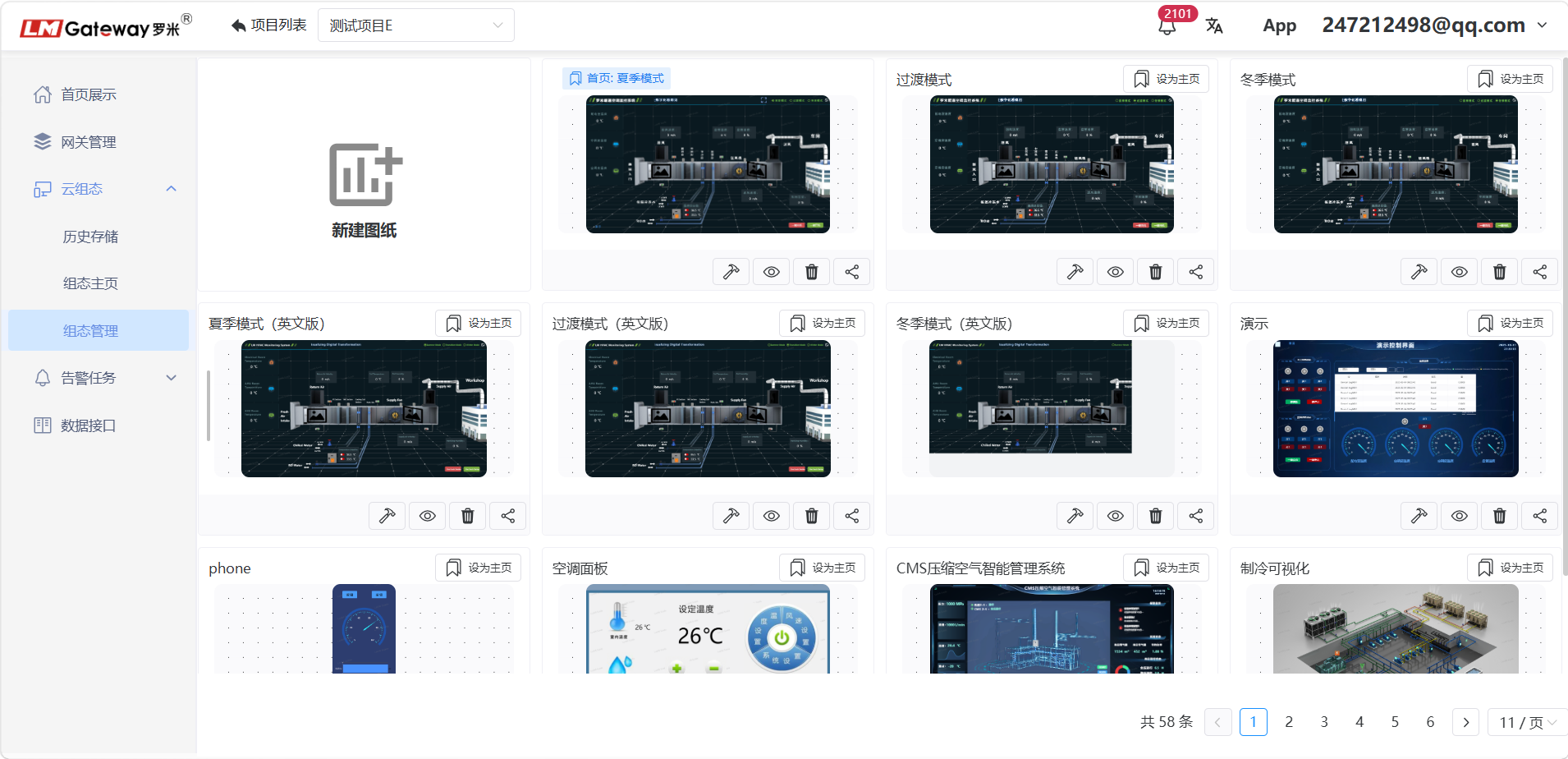
SCADA Management
Manage and edit SCADA drawings and pages.
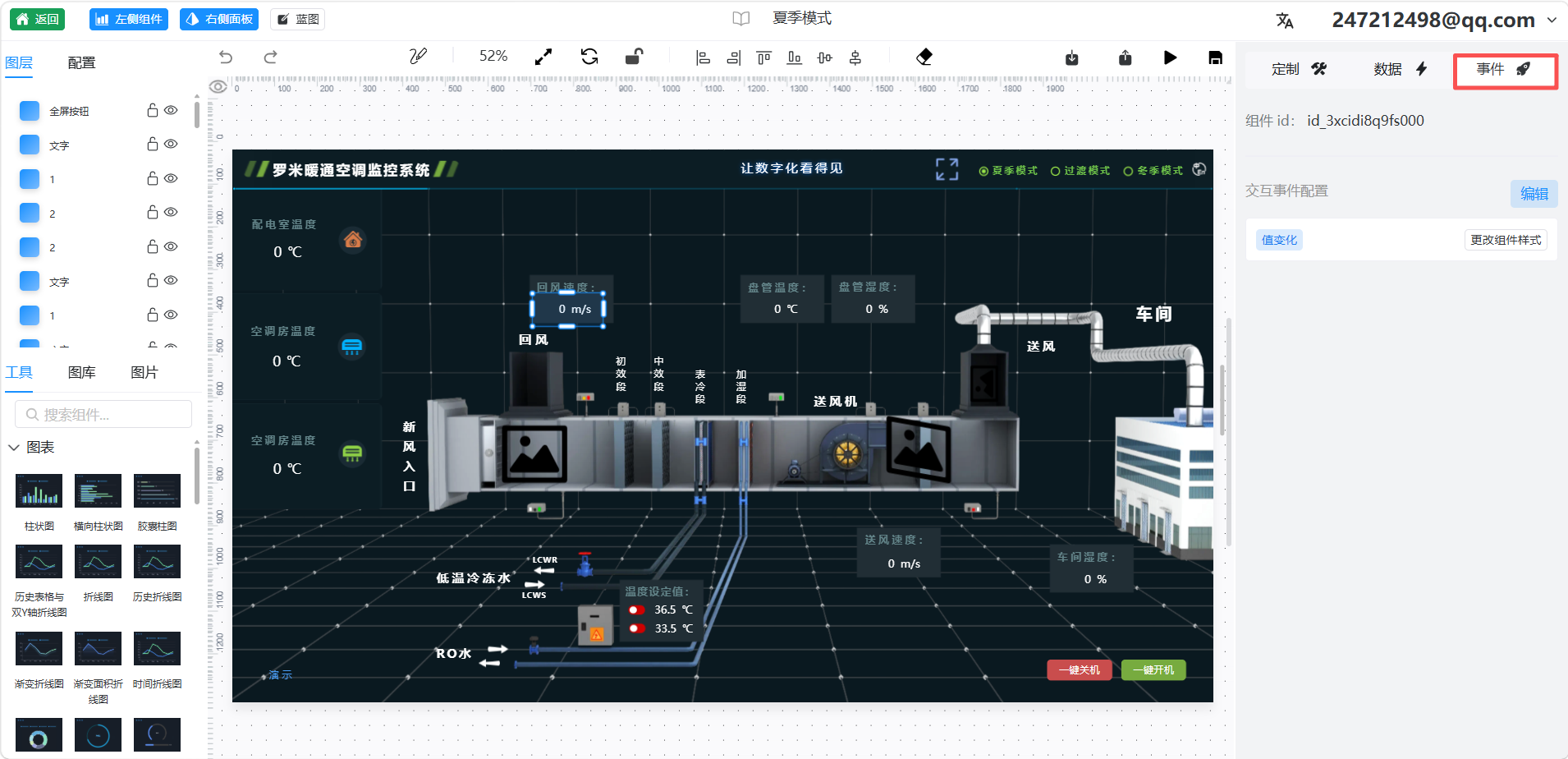
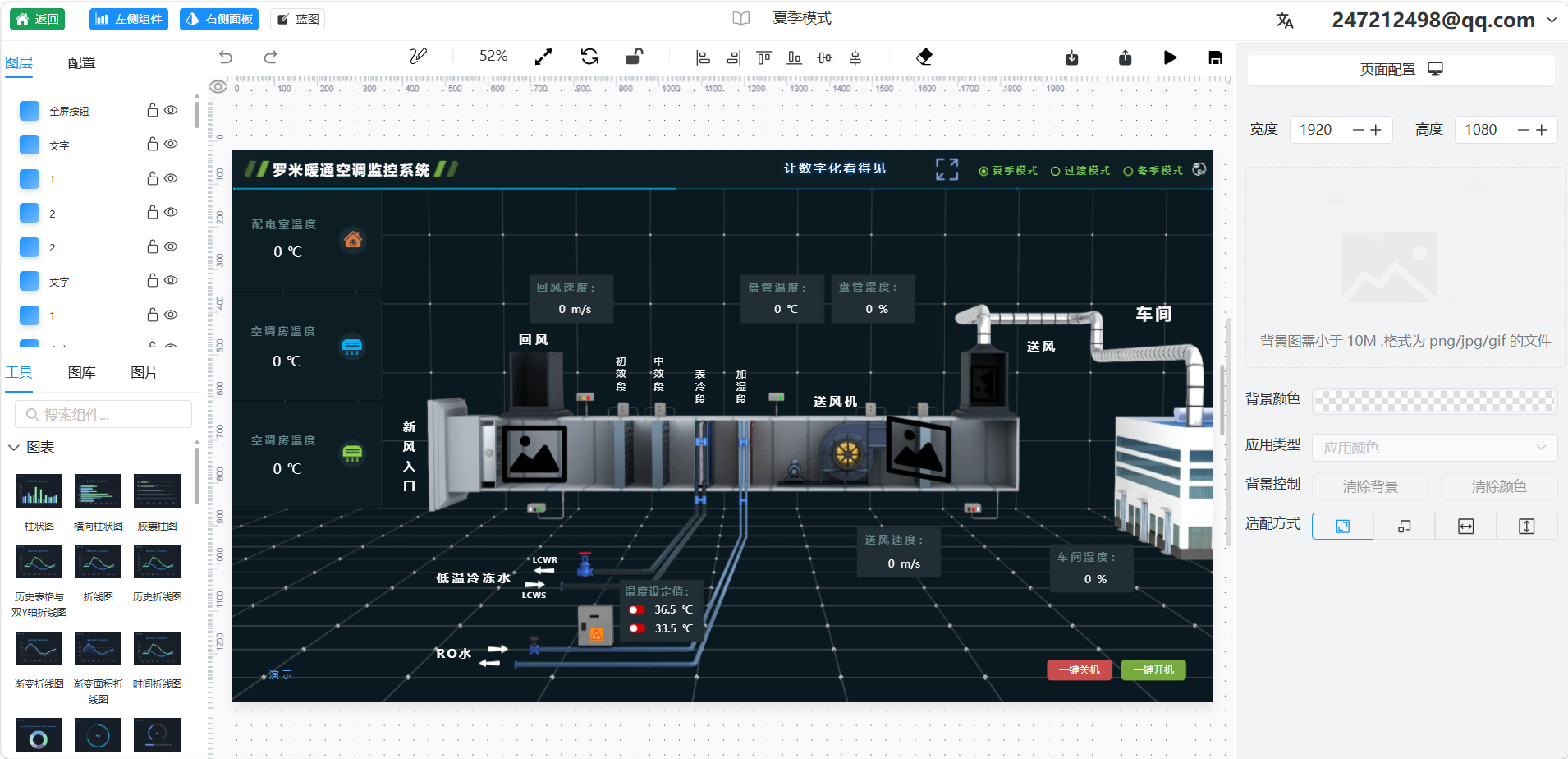
Open a drawing in the editor. You can use SCADA graphics to represent equipment and then bind data sources and events to those graphics. The following figure shows the SCADA drawing editor.
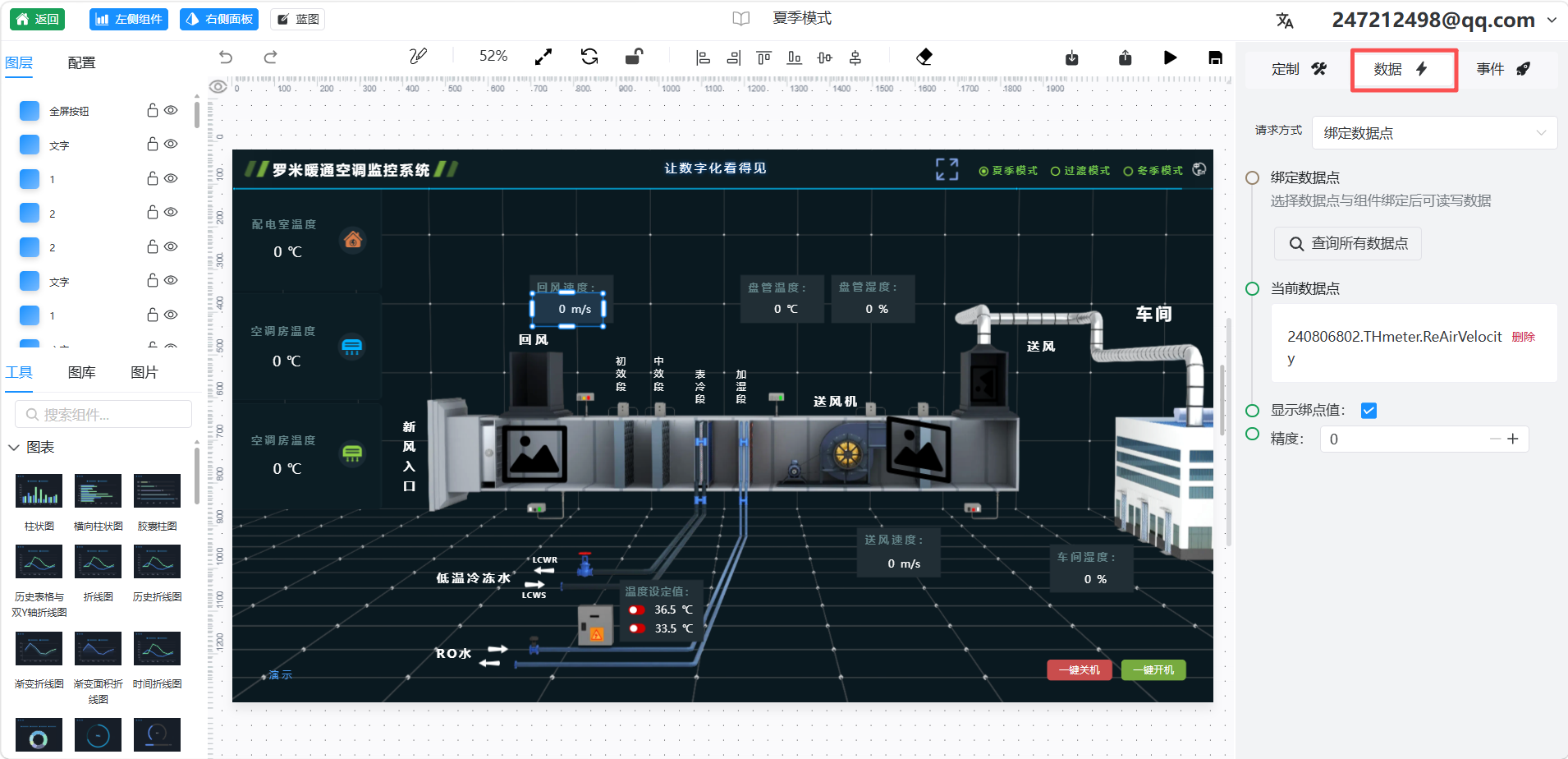
Bind a data source to a SCADA object.
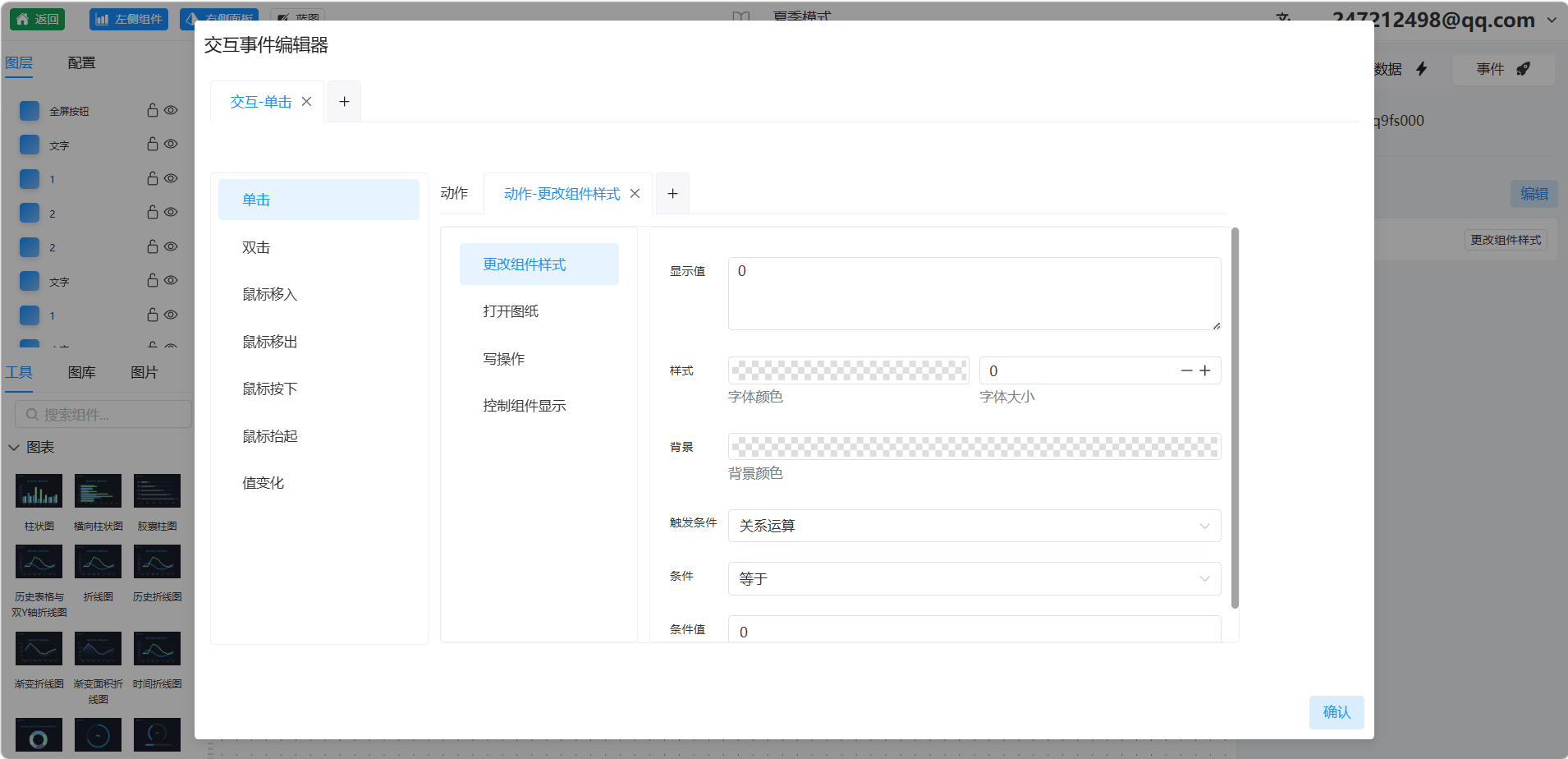
Add an event to a SCADA object. Multiple event types, actions, and trigger conditions are available for different customer applications.